The Files
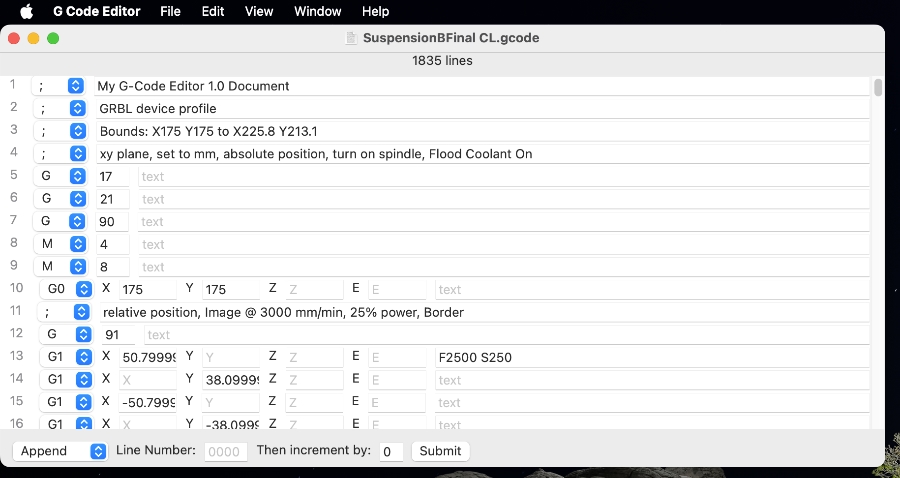
My G-code Editor can be used to create new code or to edit existing code in a text format. Use it to view and edit .g, .gcode, and .nc files. It is also ideal for rapidly creating simple G-code shapes for CNC work or basic 3D printer objects.
|
|
|
|
The Screen Keyboard
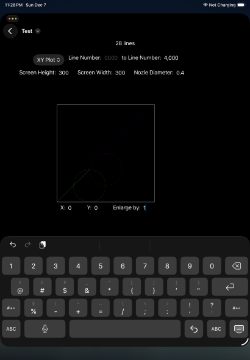
My G-code Editor was created with SwiftUI, so the interactions are intuitive. However, the iPad version may have real-estate problems between the space for the line editor and the display Keyboard. This is often a problem when trying to edit the last line of code. The display keyboard will push the line editor up and that will cover the last line, which will abort the display keyboard. A work around is to select the "Line Number:" field, scroll down to the desired line, and then select the desired line's field.
|
|