The Delete Line Editor
|
Using The Line Editor
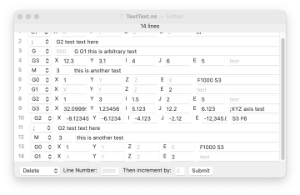
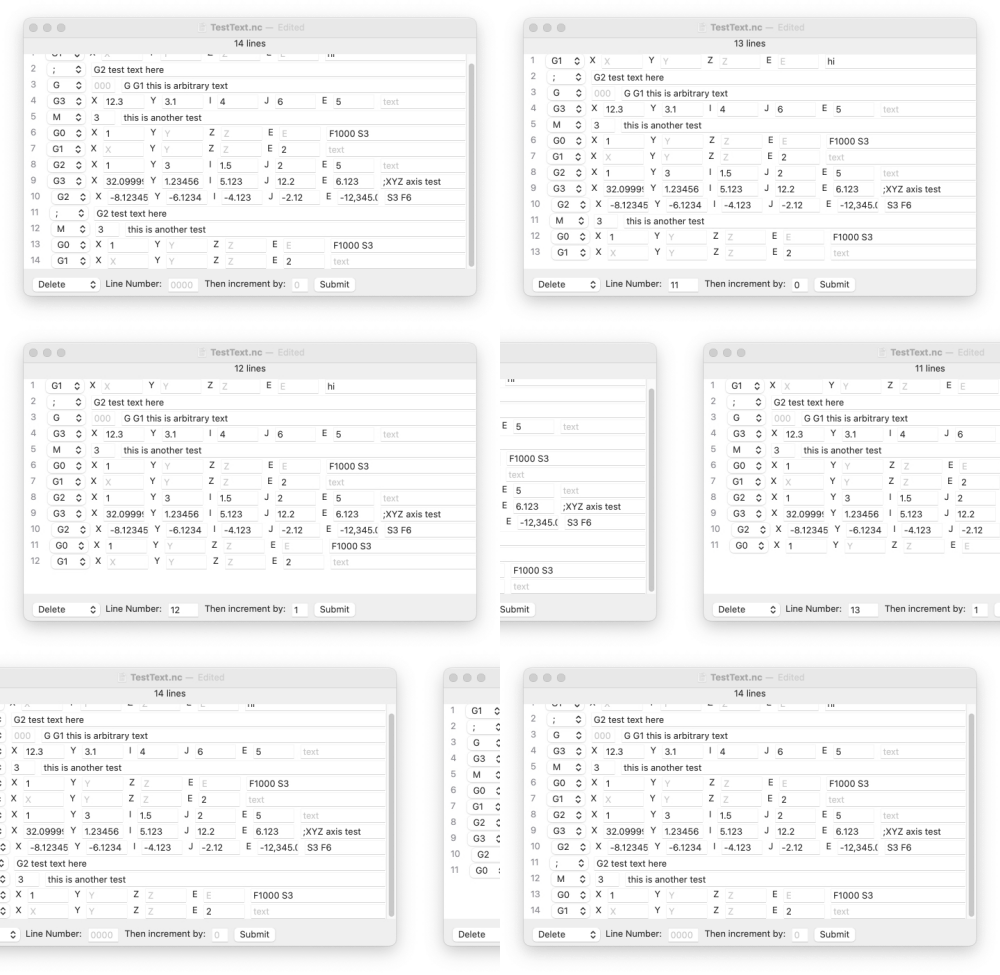
Delete will only work on one line at a time, but it has an increment function, like Append does. It only uses 2 values and it gives you a large viewing area. Entering a line number and clicking Submit will delete that line. If you enter a line number, an increment value, and click the Submit button, that line will be deleted and the "Line Number:" value will be incremented by the "Then increment by:" value.
|
Example
|
|