Example 1
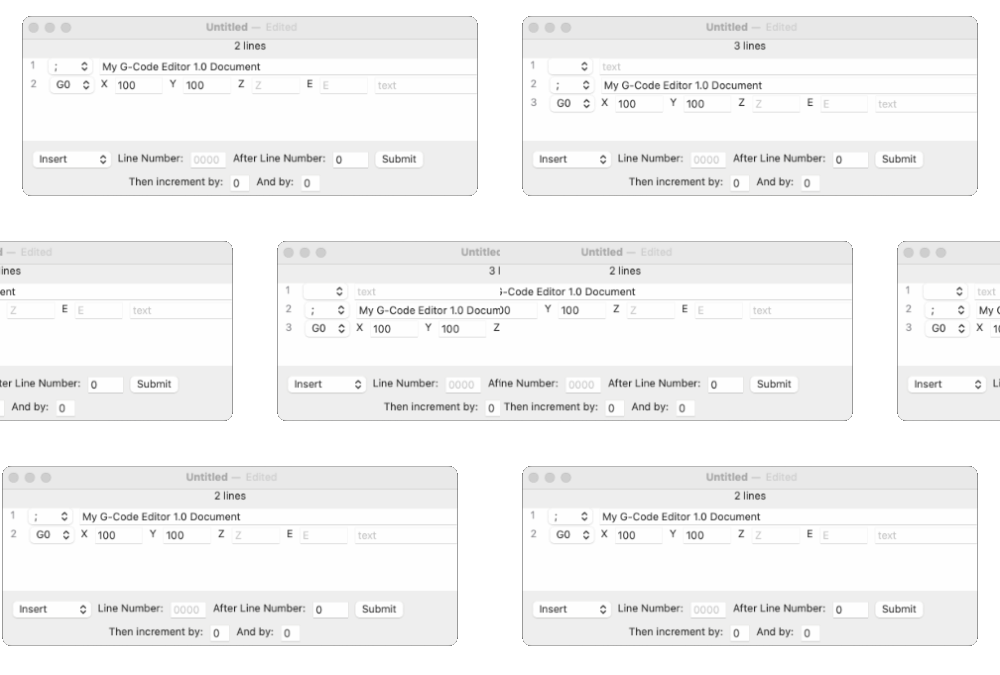
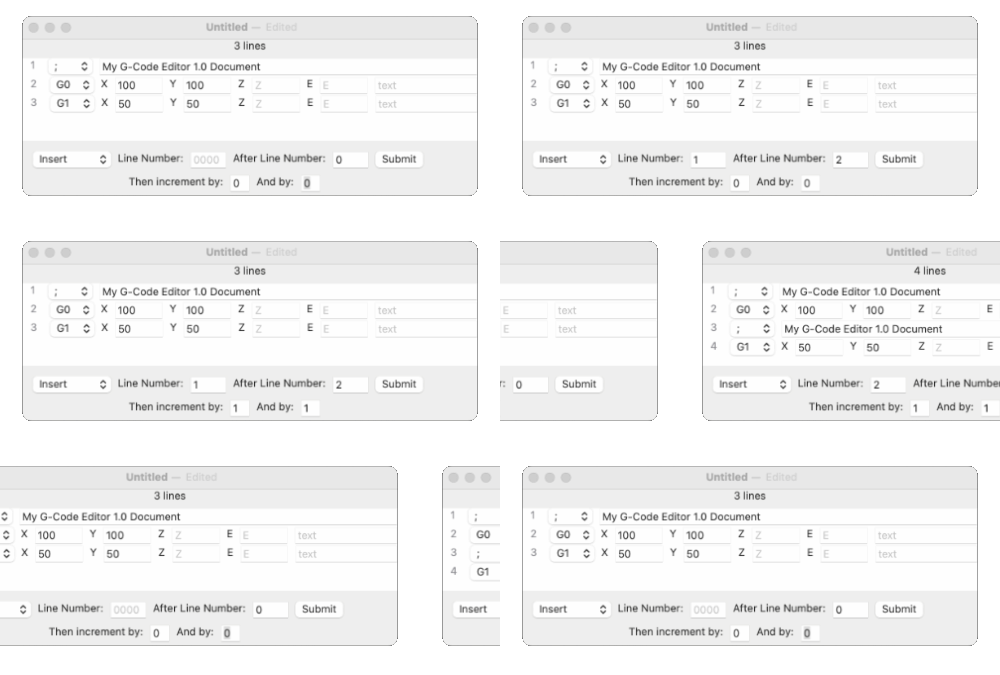
Use Insert to squeeze a new line or a line copy in-between old lines or at line 1. It uses 4 values to adjust for basic insertion patterns.
Clicking Submit will insert a new blank line at line 1.
|
Example 2
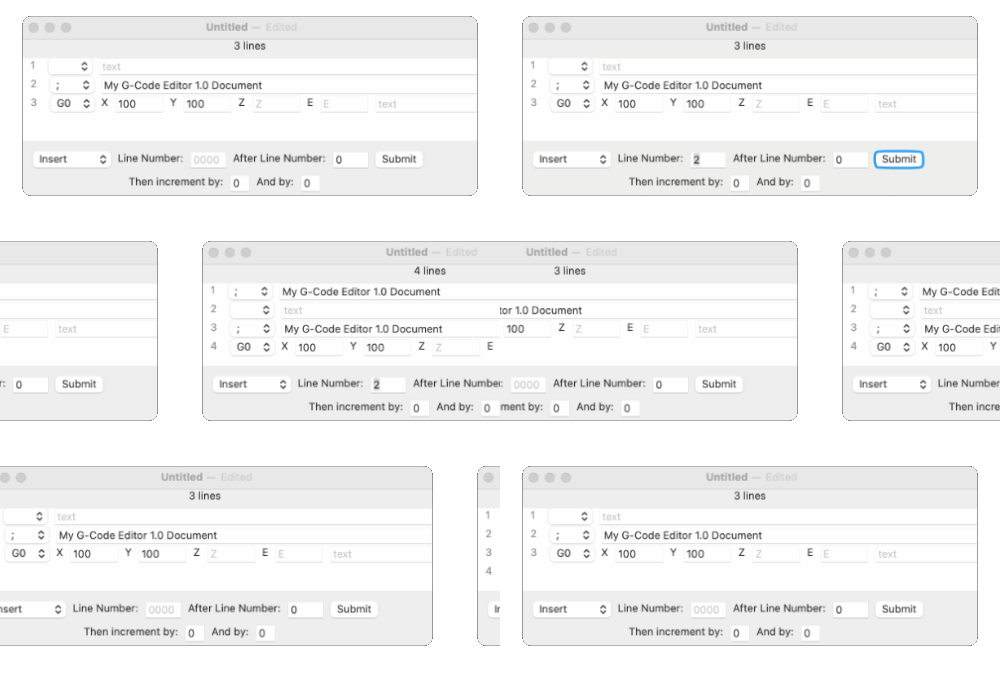
Entering a line number and clicking Submit will copy that line and insert it as line 1.
|
Example 3
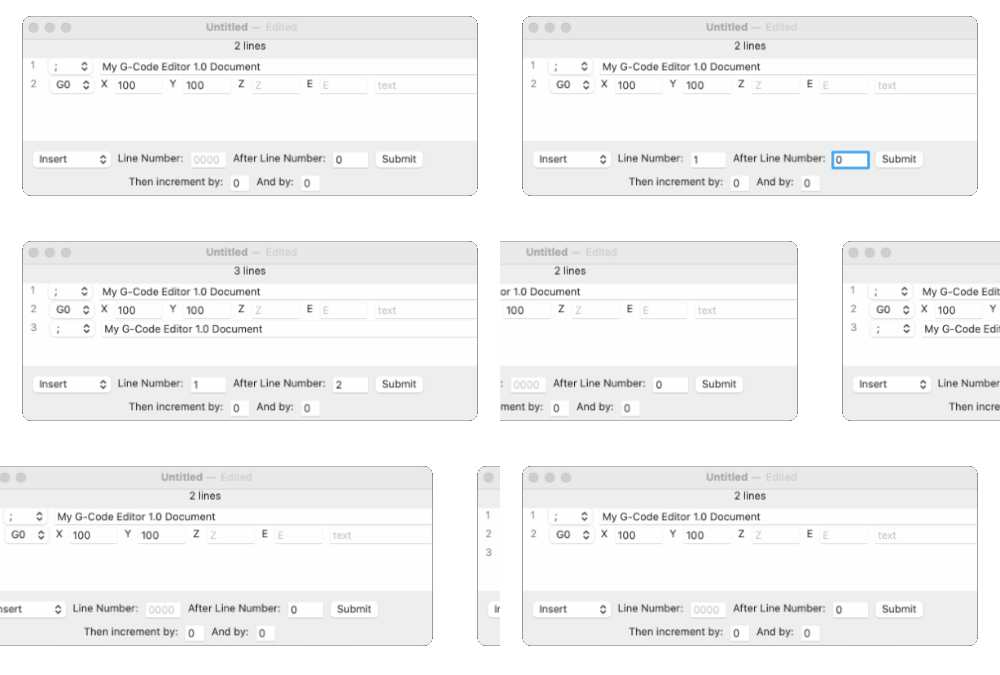
Entering a line number and a value for "After Line Number:", and then clicking Submit will copy that line and insert it after the line at the "After Line Number:" value.
|
Example 4
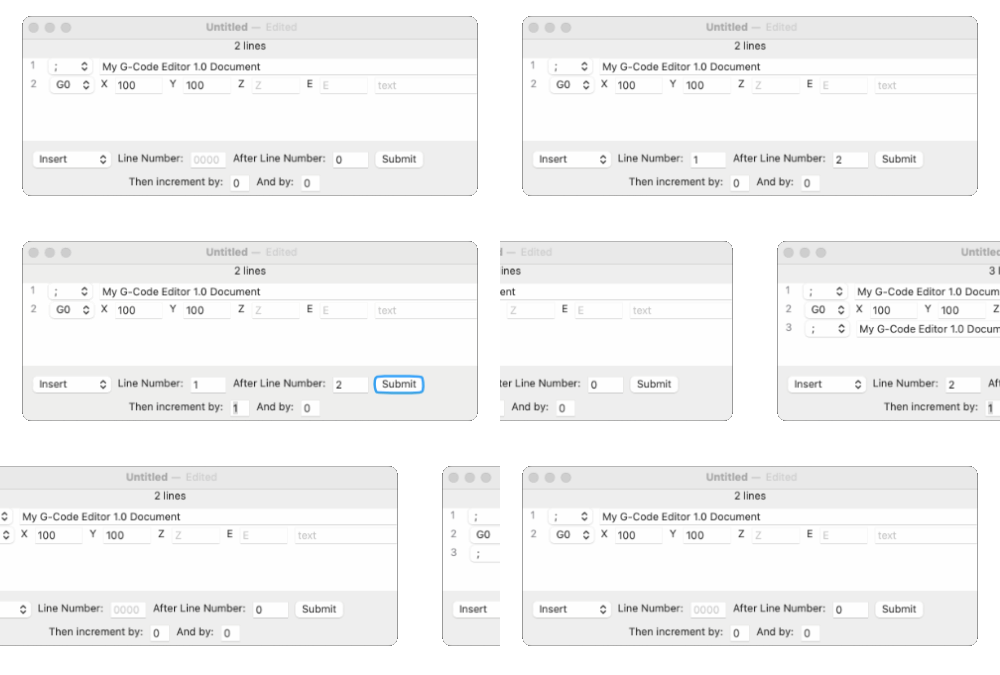
If you enter a line number, an after line value, and a "Then increment by:" value, then click the Submit button, that line will be copied and inserted after the line at the "After Line Number:" value. Then the "Line Number:" value will be incremented by the "Then increment by:" value.
|
Example 5
The "And by:" value is used to increment the "After Line Number:" value when you click the Submit button.
|