Basic Information
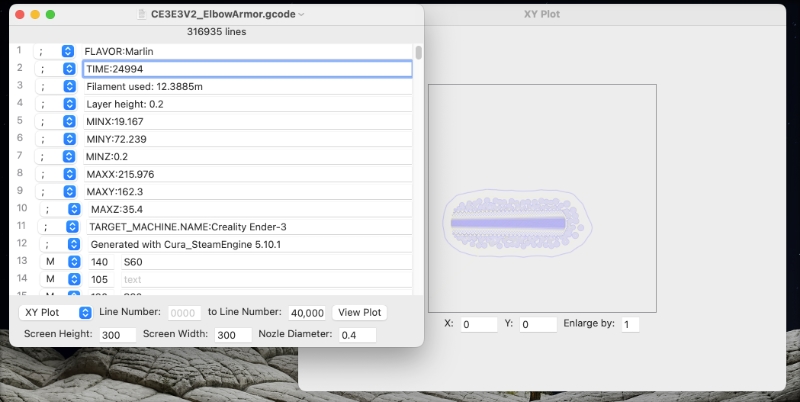
Use XY Plot to view a 2D representation of your G-code file. You can view the plot one line at a time or in groups by specifying the beginning line number and the ending line number. Set the screen height and width to your 3D bed size to verify your print's position. And use the nozzle diameter to check for gaps or overlaps.
The Mac version will display any plots in their own separate windows.
|
Layers
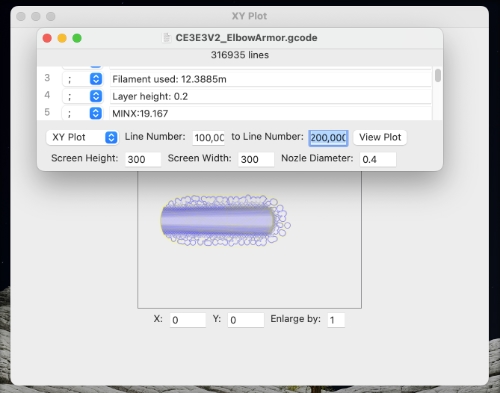
Use the line numbers to isolate slices of the 3D print for a cleaner view.
|
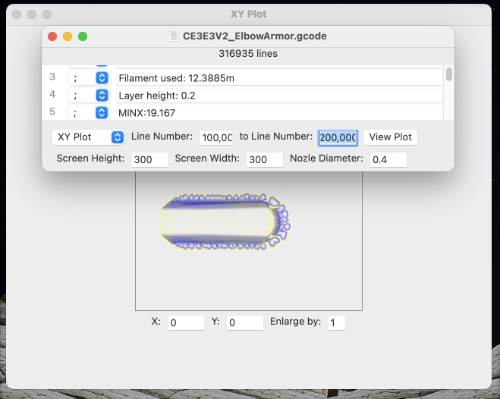
Color Coded
The first 4 G-codes have their own basic colors, which lets you see lines that add material to the print and ones that might leave strings.
|
View Settings
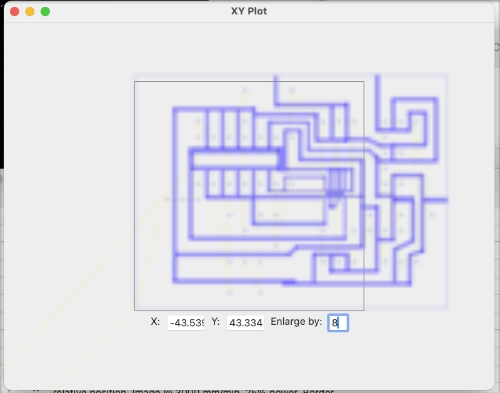
The plot can be enlarged and repositioned to see more detail. Note: The enlarged image is the same image, just at a larger scale--it is not redrawn. So, it is bigger than the original bounding area and can interfere with any interaction with the viewable areas behind it.
|